

Dashboard and API
The XactJobs.UI package adds a web dashboard and a REST API to see and manage the jobs.
dotnet add package XactJobs.UI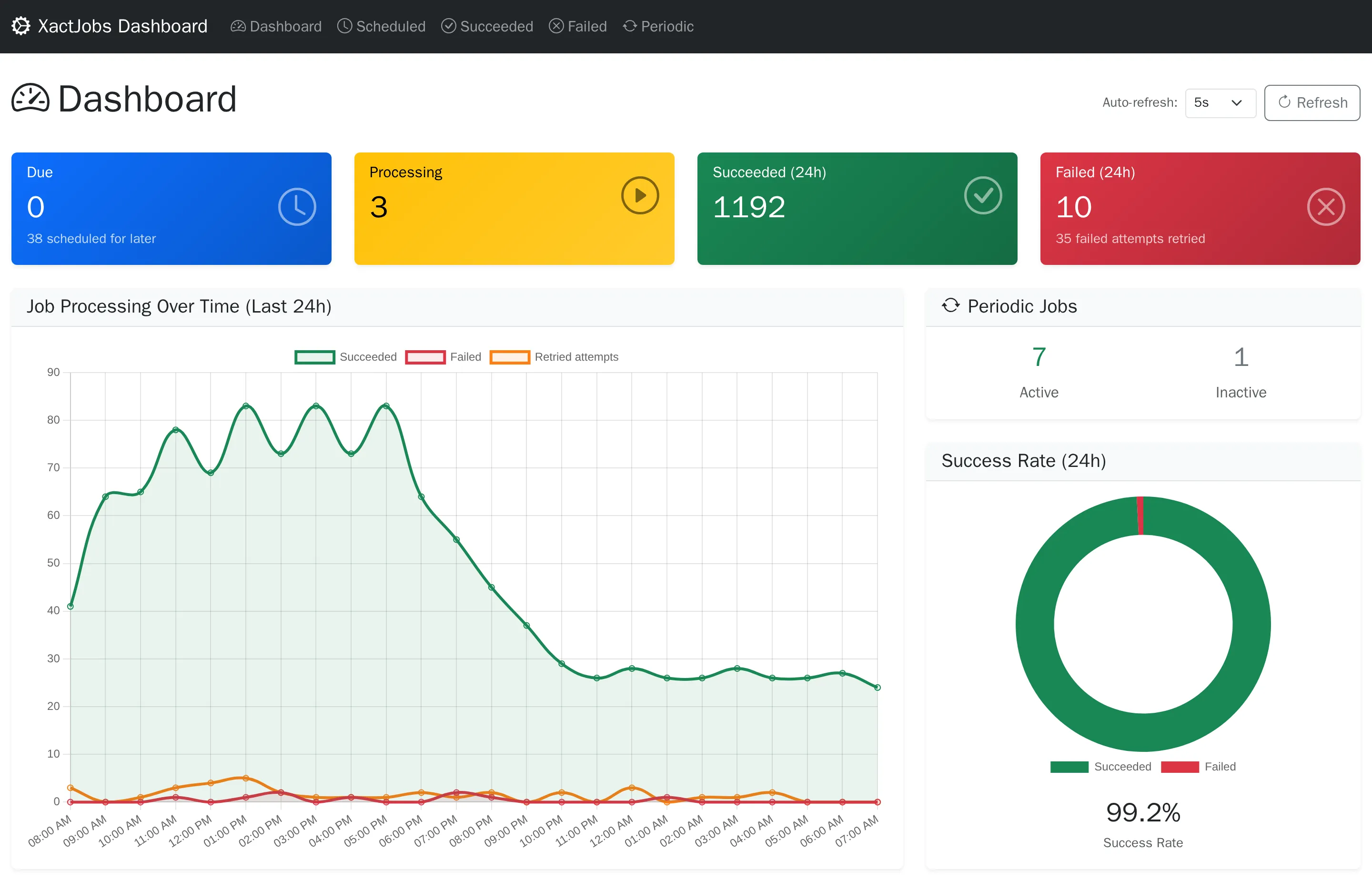
using XactJobs.UI.DependencyInjection;
builder.Services.AddXactJobsUI<UserDbContext>(options =>{    options        .RequireAuthorizationPolicy("JobAdmins") // who can use it, see below        .WithBasePath("/XactJobs")               // the default        .WithApiBasePath("/api/XactJobs");       // the default});
var app = builder.Build();
app.UseAuthentication();app.UseAuthorization();
app.MapXactJobsUI();       // maps the pages (Razor Pages), the API, and the dashboard's scripts and styles
The dashboard’s scripts, styles and fonts are embedded in the package, and MapXactJobsUI serves them under the dashboard’s path, with the
same access as the pages. So the dashboard works without internet access, without the static files middleware, and in any environment,
whether the application is published or not.
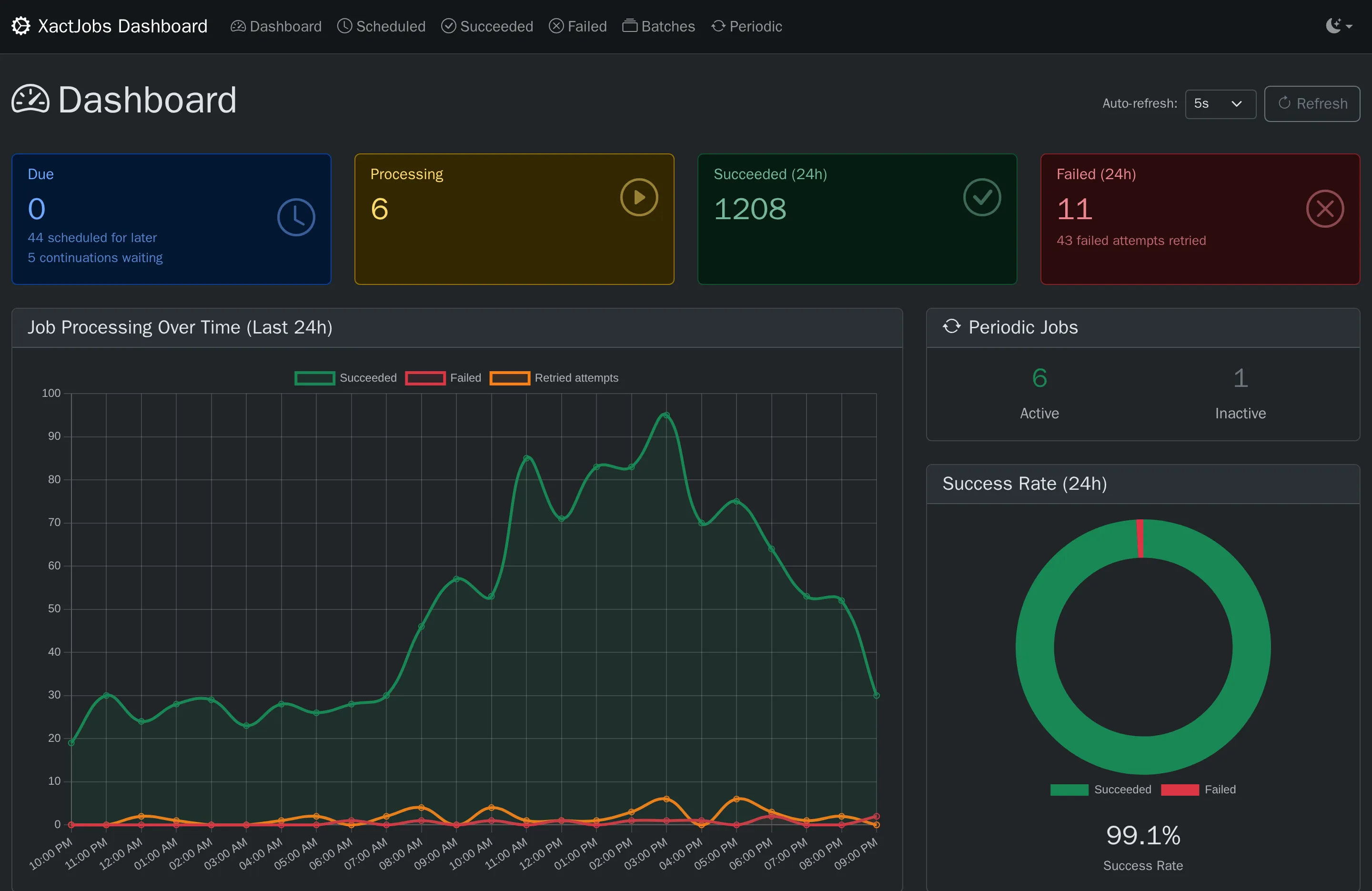
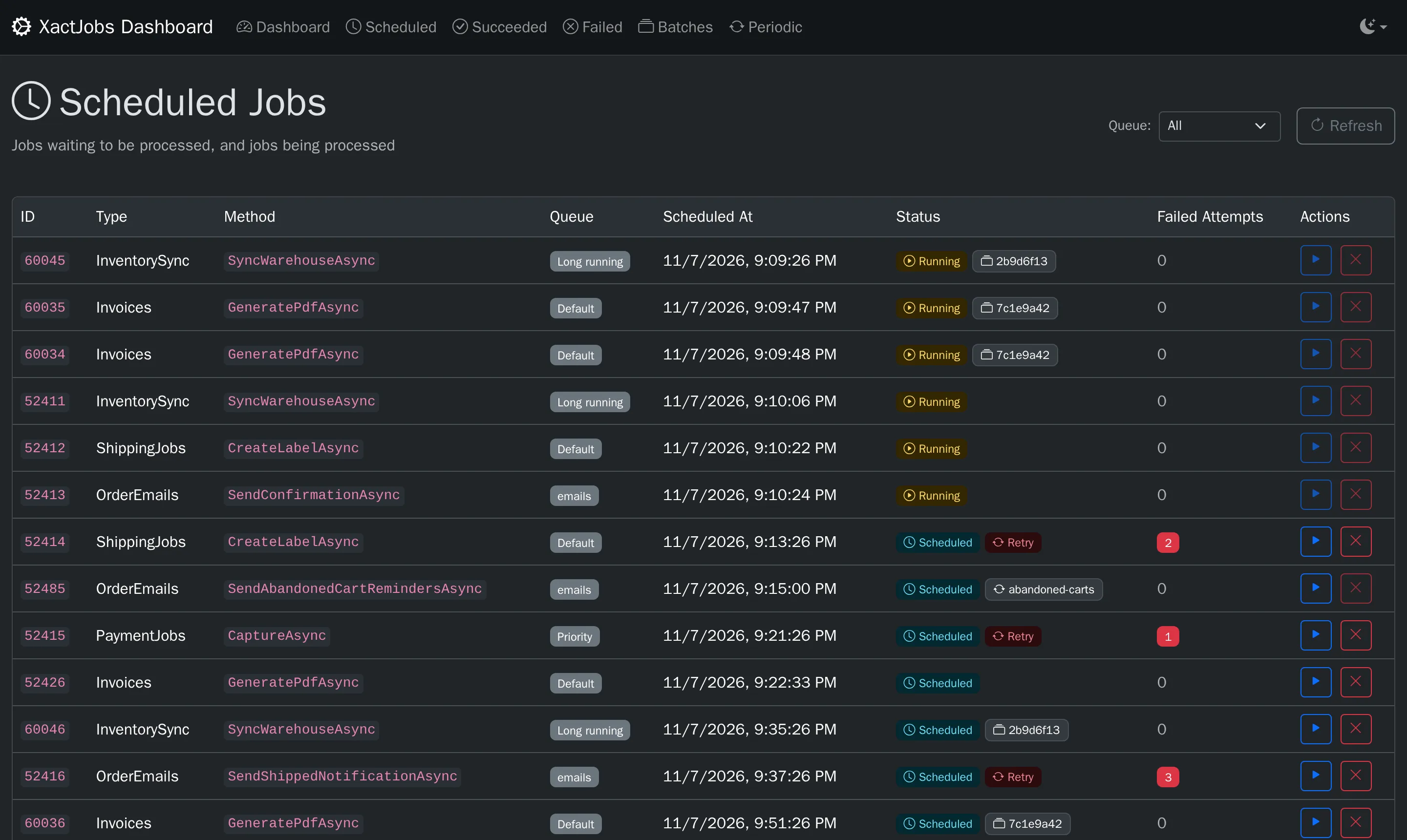
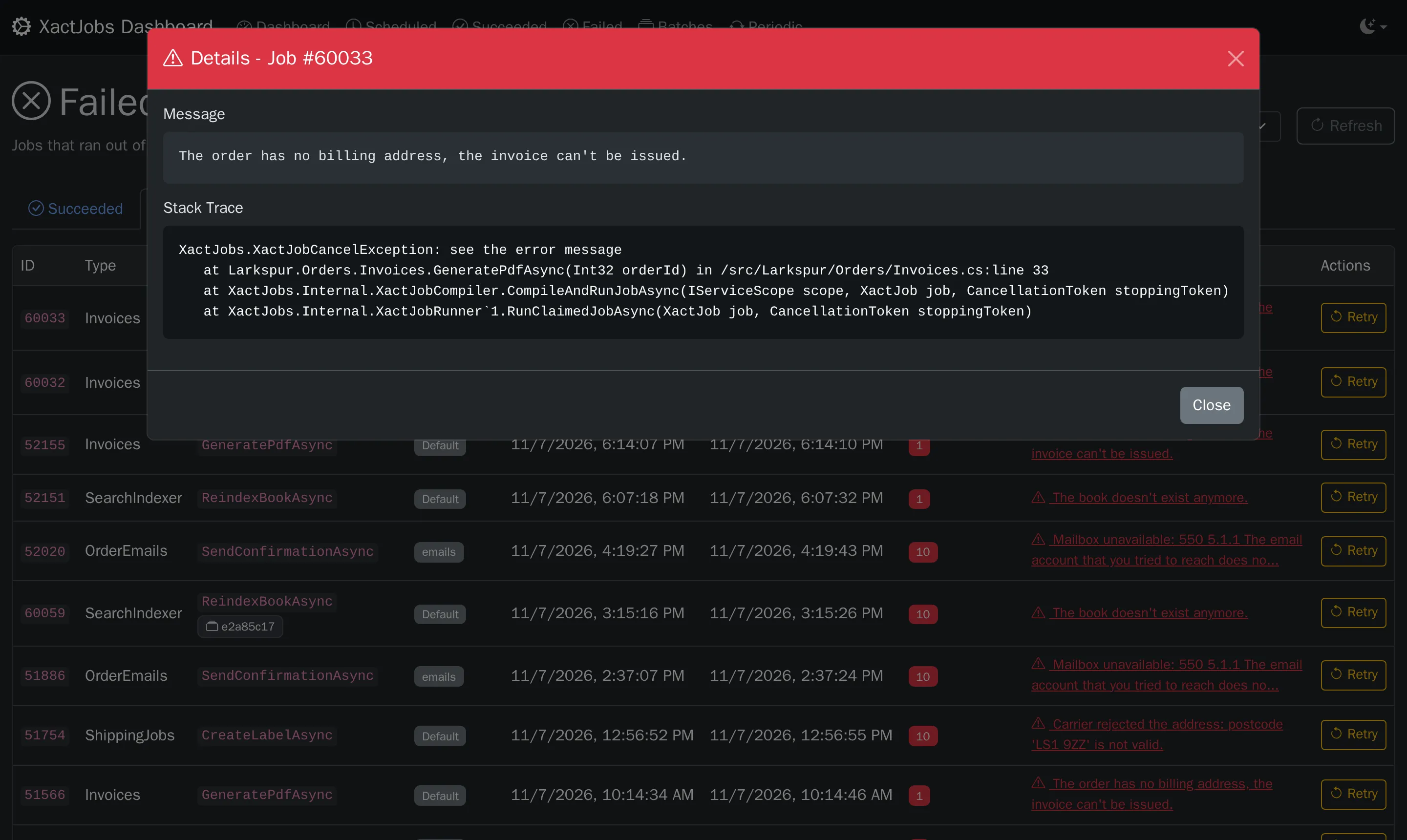
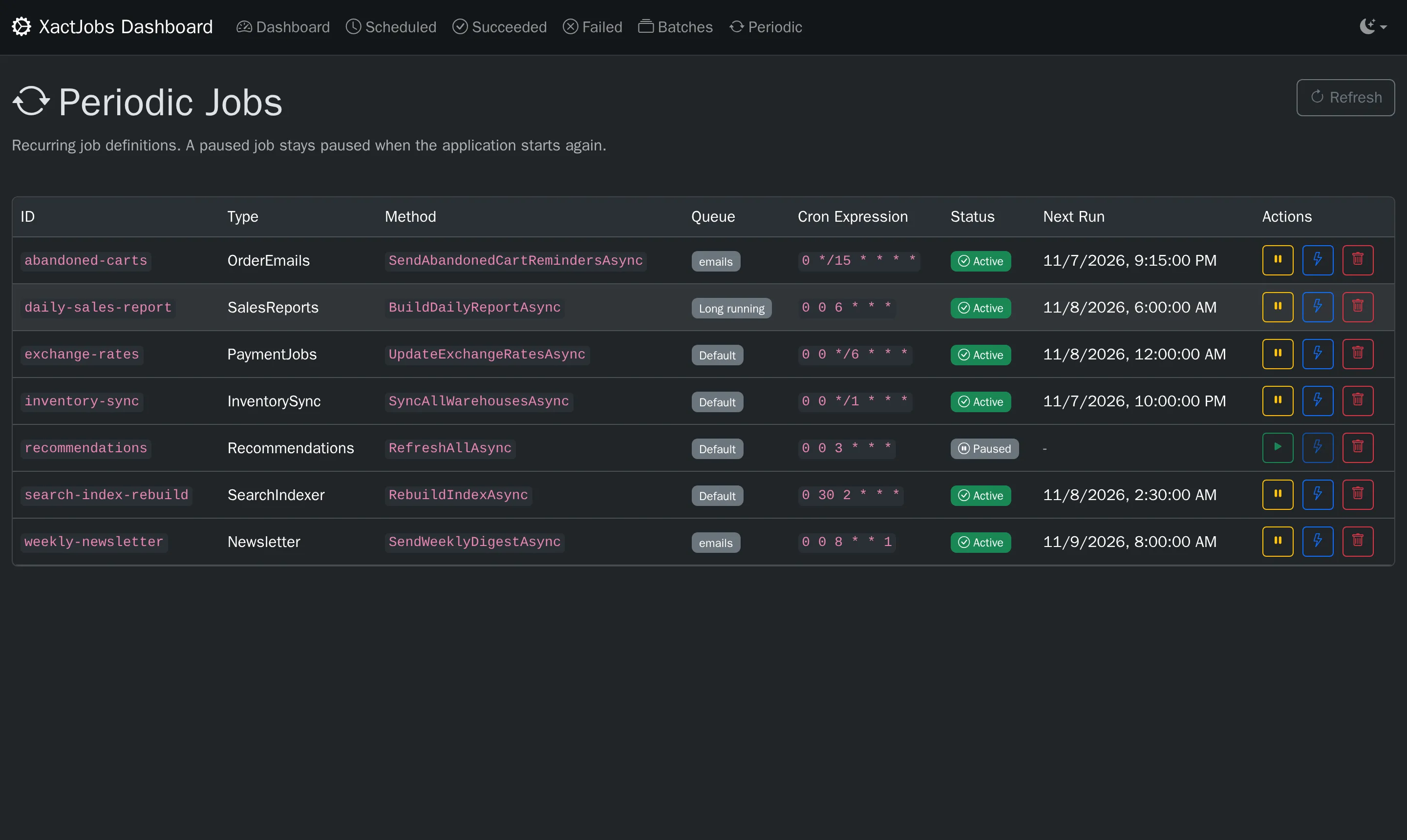
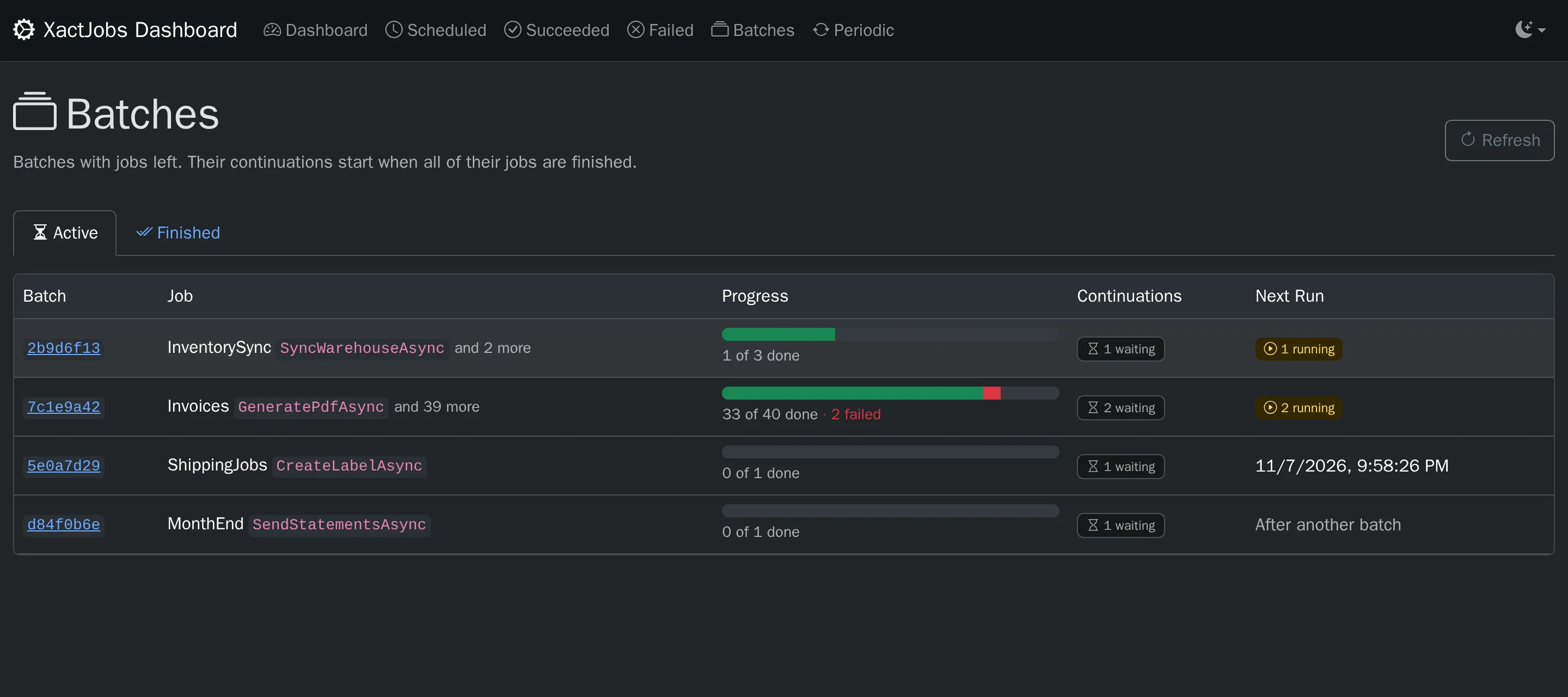
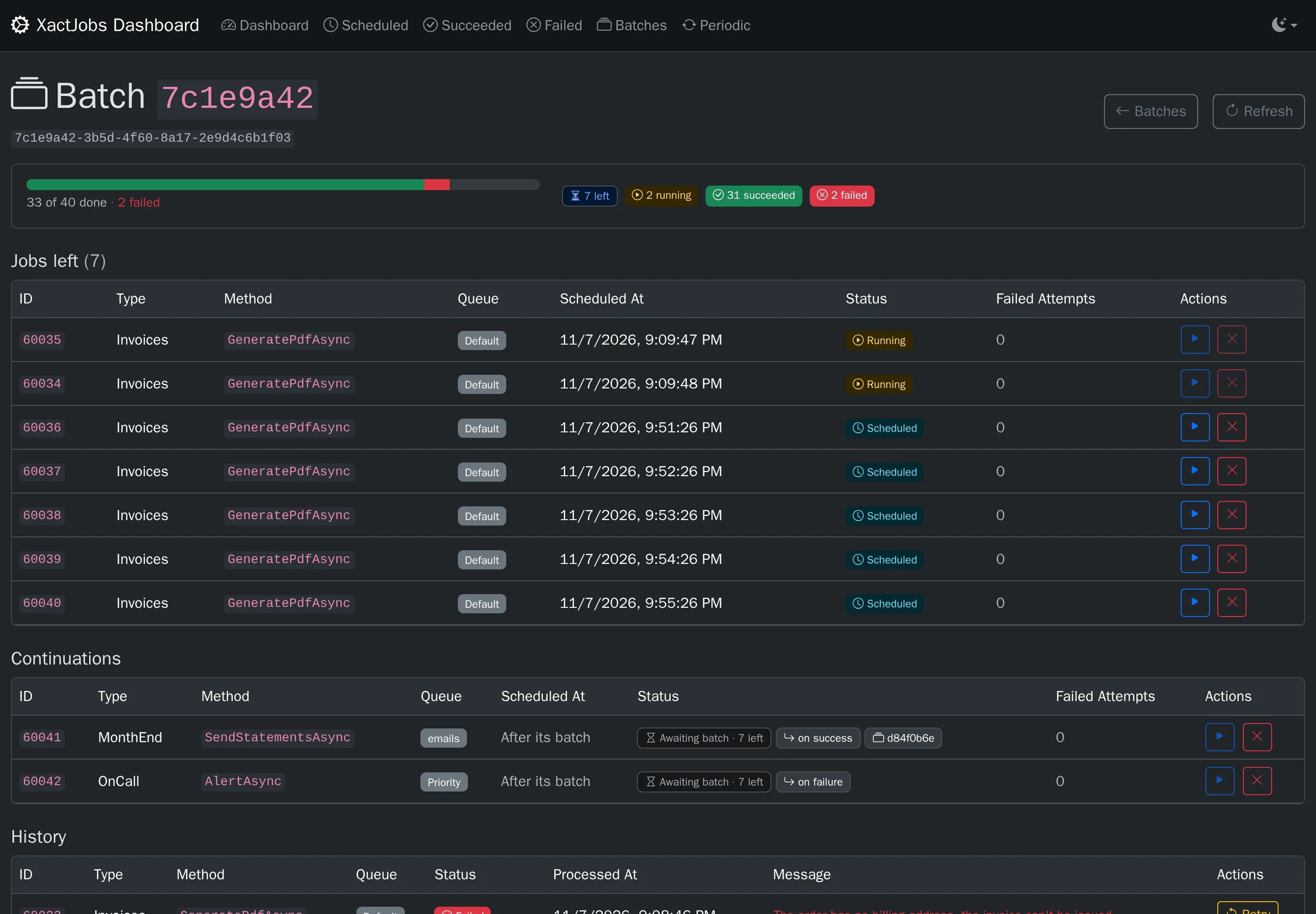
The dashboard follows the light or dark setting of the operating system, and the switch in its navbar chooses light, dark or auto (the operating system’s setting) in each browser.
Access
Section titled “Access”By default the dashboard only accepts requests from the local machine. Choose who can use it:
RequireAuthorization(): any signed-in user (the default authorization policy)RequireAuthorizationPolicy("name"): users that satisfy the policyAllowAnonymous(): anyone. Only for development, or when the access is restricted in another wayAllowLocalRequestsOnly(): the default. Behind a reverse proxy on the same machine, every request looks local, unless the forwarded headers middleware is configured
The API endpoints that change data require an antiforgery token, which the dashboard sends. If the API is called by clients that don’t
authenticate with cookies, DisableAntiforgery() turns the check off.
The other options (page size, title, refresh interval) are in the configuration reference.
Pages and actions
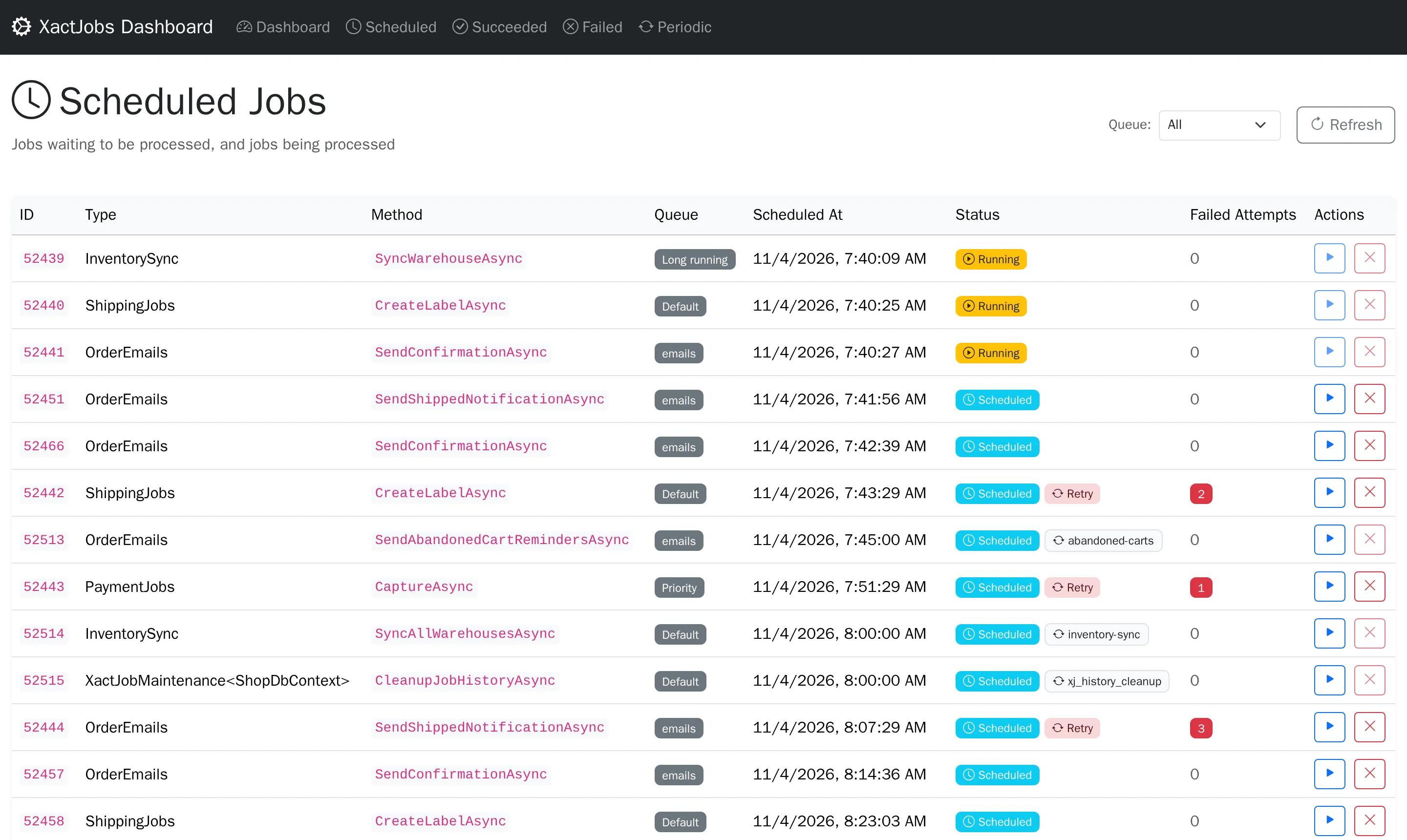
Section titled “Pages and actions”- Dashboard: due, scheduled and running jobs, continuations waiting for their batch, succeeded and failed jobs in the last 24 hours, and a chart per hour
- Scheduled: the pending and running jobs. A continuation that waits for its batch shows how many of the batch’s jobs are left, and
jobs of batches link to their batch
- Run now makes a pending job due now, and the job keeps the time it was scheduled for as
XactJobContext.OriginallyScheduledAt. A continuation that waits for its batch can’t: it starts when the batch is finished - Cancel moves a pending job to the history as cancelled. Running jobs can’t be cancelled, and neither can runs of periodic jobs: pause the periodic job instead. A cancelled job of a batch counts as a failed job of the batch, and if it was the last one, the batch’s continuations start
- Run now makes a pending job due now, and the job keeps the time it was scheduled for as
- History: succeeded, failed (out of retries, or cancelled by the job with
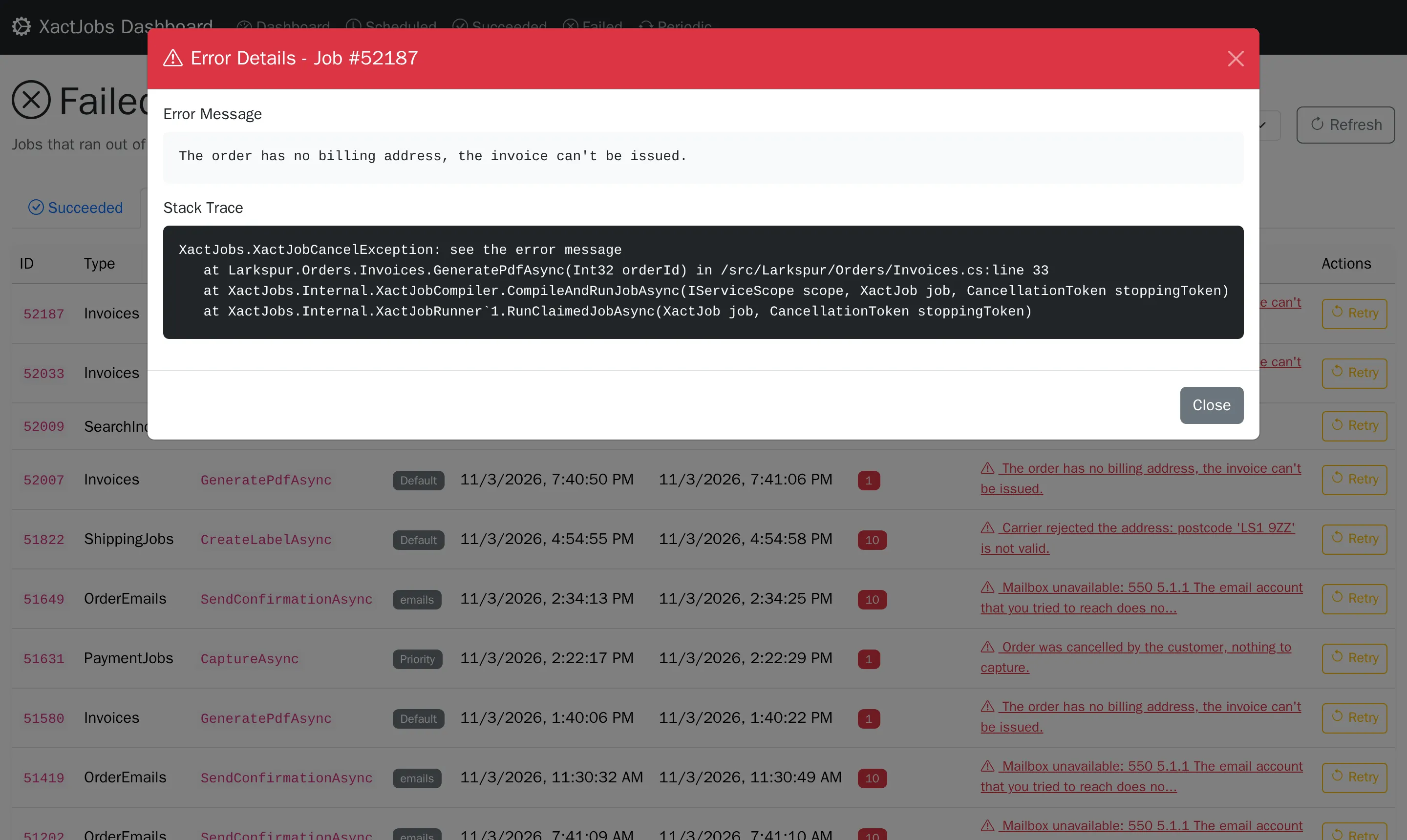
XactJobCancelException), cancelled from the dashboard, retried attempts, and skipped runs and continuations, with the reason- Retry enqueues a failed or cancelled job, or a skipped continuation, again as a new job. A run of a periodic job is enqueued as a one-off job, and a job of a batch or a continuation runs outside of any batch, so it doesn’t start continuations. Like a retry by a worker, it keeps the time the job was originally scheduled for
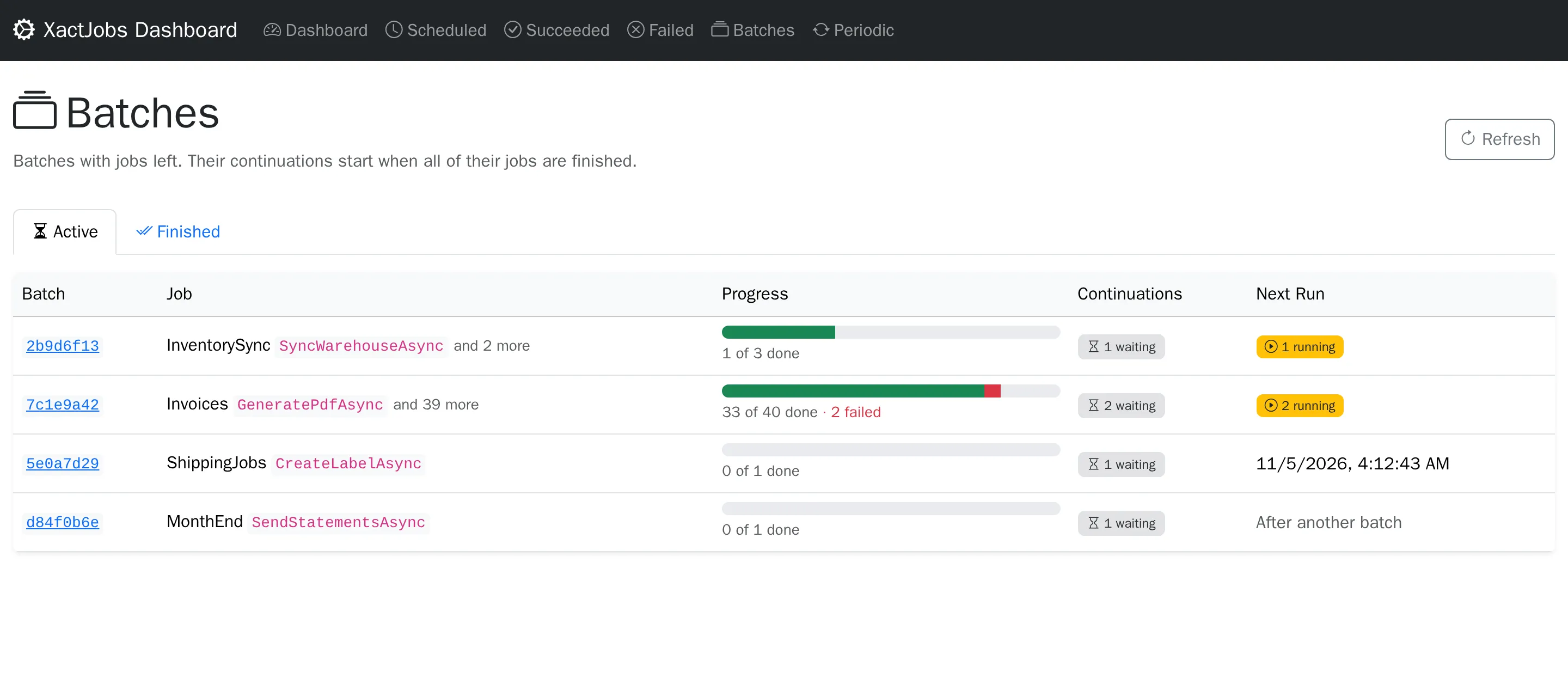
- Batches: the active batches, with jobs left, and the finished ones, as long as their history is kept, with their progress
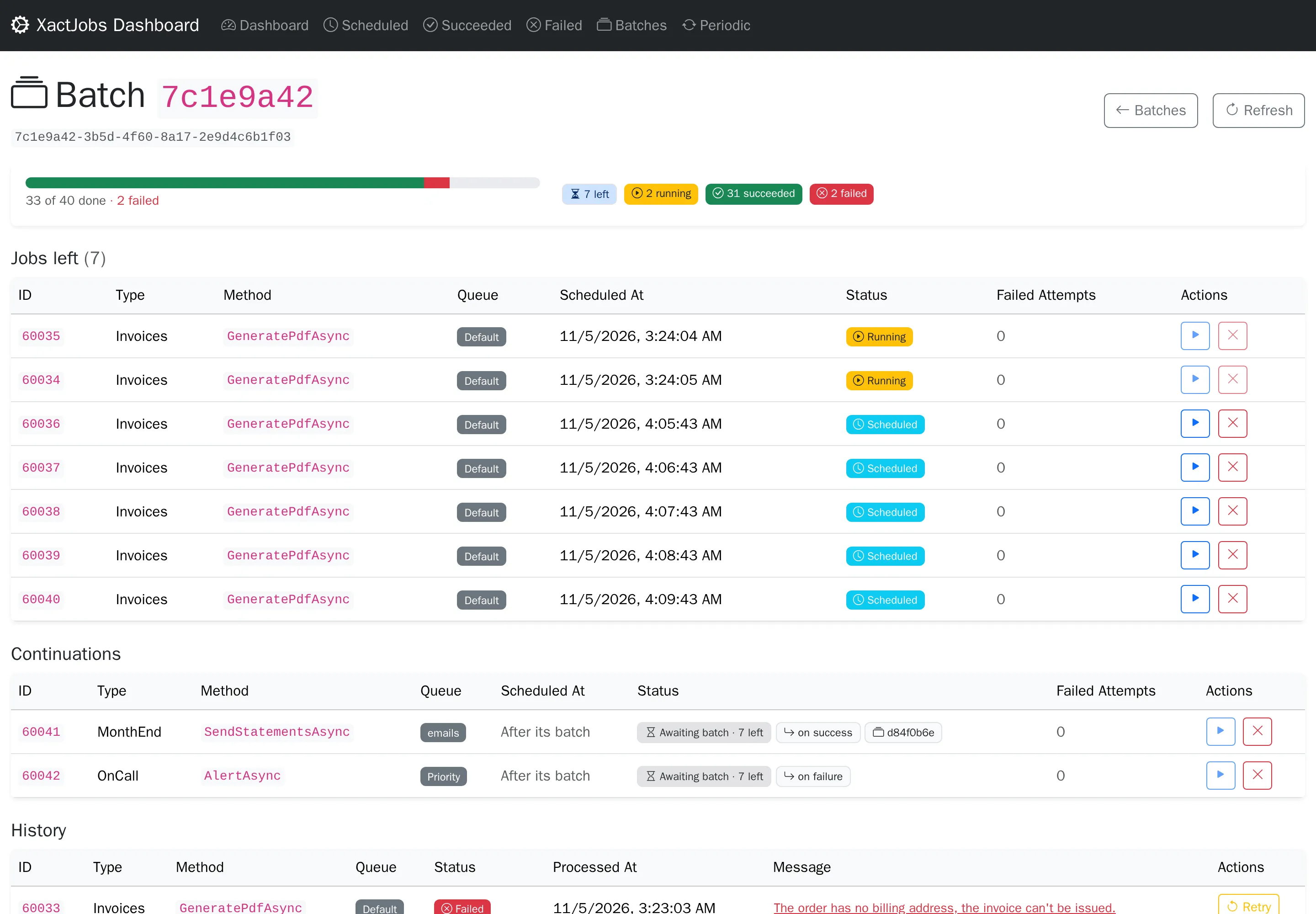
- A batch’s page has its jobs left, its continuations and its history, and links to the batch it continues
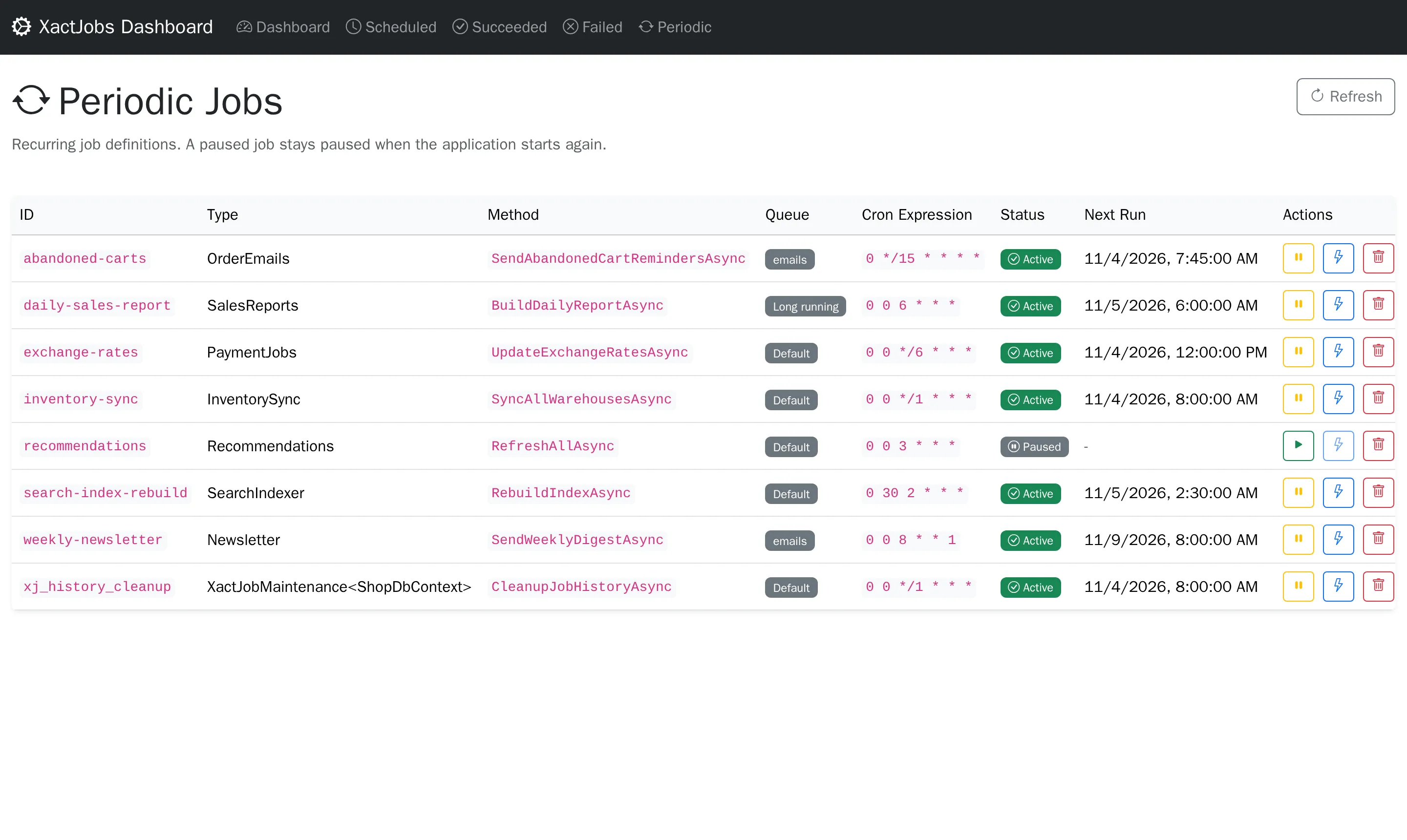
- Periodic: the periodic jobs, with their next run
- Pause removes the pending run, and no runs are scheduled until it’s resumed. A paused job stays paused when the application starts
again, even if
JobEnsurePeriodicorWithPeriodicJobdefines it - Resume schedules the next run
- Trigger makes the pending run due now, so the job keeps a single schedule
- Delete deletes the definition. A periodic job defined in code is added again when the application starts
- Pause removes the pending run, and no runs are scheduled until it’s resumed. A paused job stays paused when the application starts
again, even if
A job that is running can’t be changed: the dashboard never touches a job a worker has leased.
All under the API base path (/api/XactJobs by default):
| Method | Path | Description |
|---|---|---|
| GET | /stats |
Dashboard counts |
| GET | /chart-data?from=&to=&intervalMinutes= |
Counts per interval (default: the last 24 hours) |
| GET | /jobs?page=&pageSize=&queue= |
Pending and running jobs |
| GET | /jobs/{id}?queue=&scheduledAt= |
A pending or running job |
| POST | /jobs/{id}/run-now?queue=&scheduledAt= |
Make a pending job due now |
| POST | /jobs/{id}/cancel?queue=&scheduledAt= |
Cancel a pending job |
| GET | /history?category=&page=&pageSize=&queue= |
History: succeeded, failed, cancelled, retried or skipped |
| GET | /history/{id} |
A history row |
| POST | /history/{id}/retry |
Enqueue a failed or cancelled job, or a skipped continuation, again |
| GET | /batches?state=&page=&pageSize= |
Batches: active or finished |
| GET | /batches/{id} |
A batch with its jobs, history and continuations |
| GET | /periodic?page=&pageSize= |
Periodic jobs |
| GET | /periodic/{id} |
A periodic job |
| POST | /periodic/{id}/pause |
Pause a periodic job |
| POST | /periodic/{id}/resume |
Resume a periodic job |
| POST | /periodic/{id}/trigger |
Run a periodic job now |
| DELETE | /periodic/{id} |
Delete a periodic job |
The actions answer 200 with a message, 404 if the job doesn’t exist, or 409 if its state doesn’t allow the action (e.g. it’s running).
A pending job is identified by its primary key: its id, queue and scheduledAt, as /jobs returns them, with scheduledAt in UTC
(e.g. 2026-11-07T10:00:00.1234567Z). On most databases there’s no index on the id alone, so a lookup by the id would read the whole job
table. Without the queue and the scheduled time, these routes answer 400.